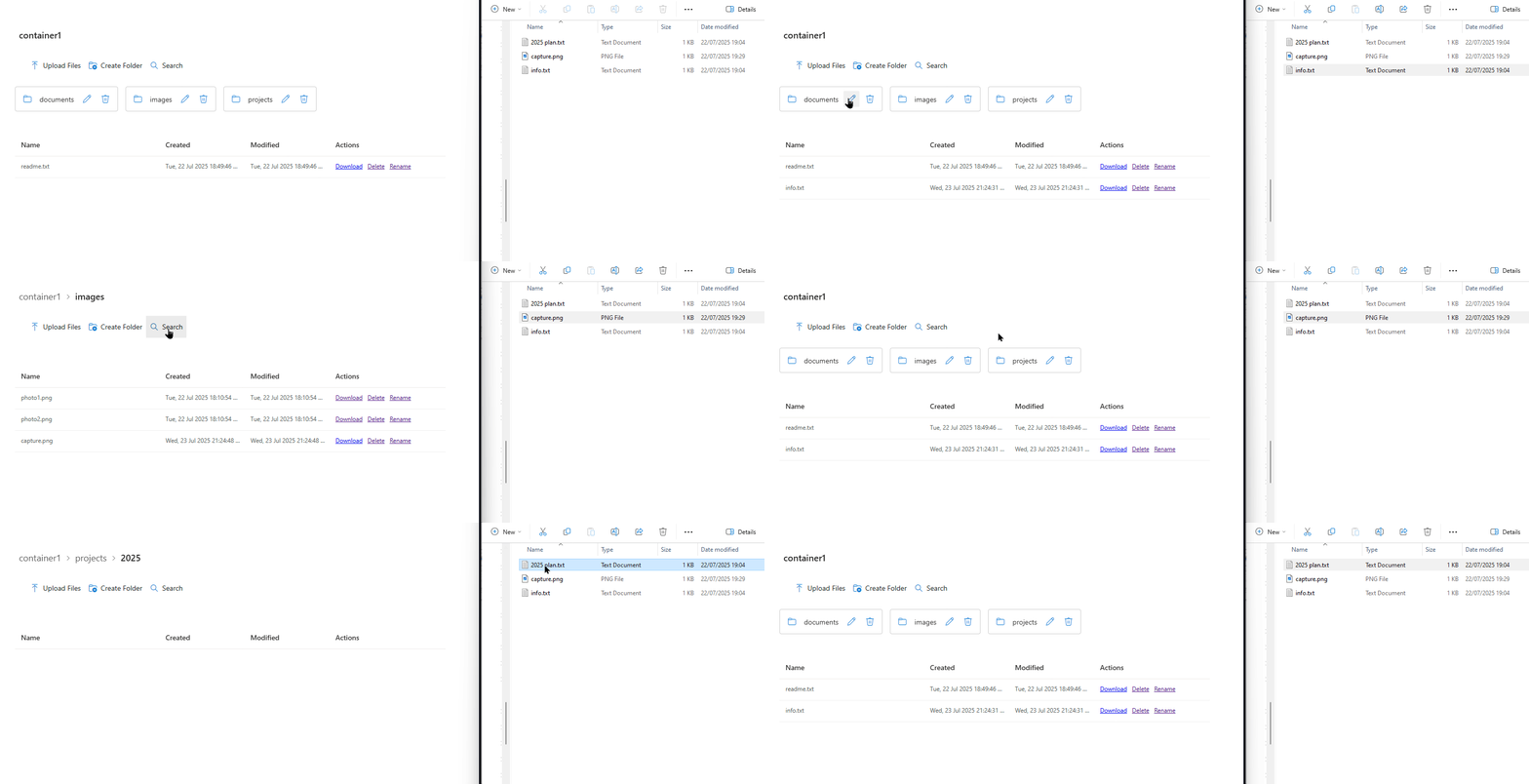
What you get
Keep data in Azure
No copy or move back into SharePoint. Files stay in Azure Blob Storage.
SAS-scoped access
Use Read/List for read-only access. Add Create/Write or Delete only where needed.
Familiar UX
Users browse, preview and manage files in a SharePoint page.
Current features
Current BlobBridge features include upload from computer or SharePoint, folder and subfolder search, full-container search from root, Load more for large folders, optional overwrite handling, sorting, local-time modified dates and configurable file opening behaviour.
How it works
- Deploy
BlobBridge.sppkgto your App Catalog. - Add the web part to a modern page and paste your container SAS.
- Publish. Users now see Azure storage inside SharePoint.
FAQ
Will this count against SharePoint storage?
No. Data remains in Azure.
Uploads?
Enable Write/Create/Delete on the SAS to allow uploads and deletions.
Security?
Short‑lived SAS, path‑scoped, rotated on a schedule. Read‑only mode supported.
Deployment experience
Early customer deployments have shown same-day setup is realistic where the Azure Storage account, SAS token and SharePoint App Catalog are already available.
Customer feedback has directly shaped recent improvements, including upload options, folder and subfolder search, large-folder Load more and improved file and folder handling.
BlobBridge is designed for teams that want SharePoint-based access to Azure Blob Storage without sending end users to the Azure portal.