Why choose BlobBridge?
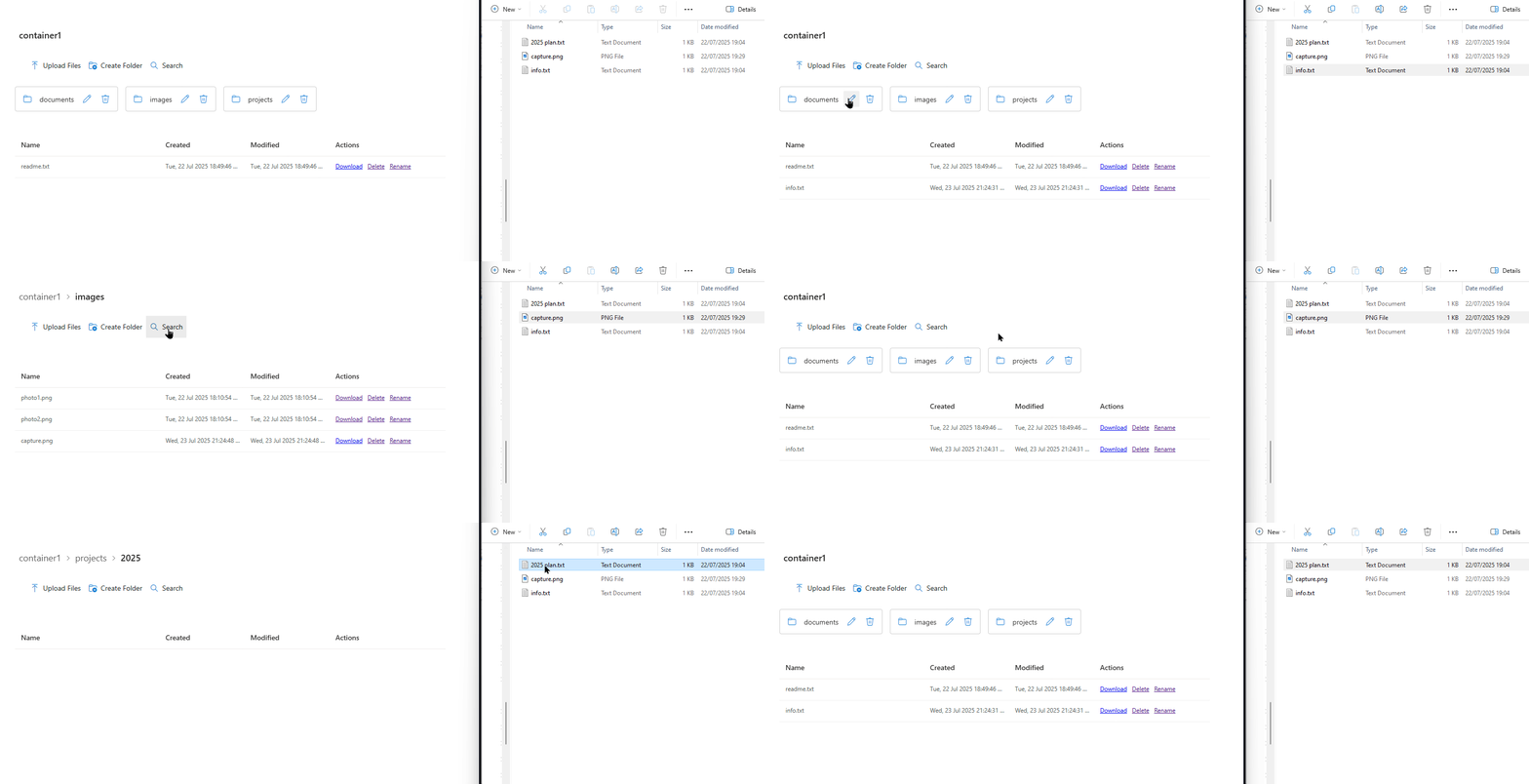
Seamless user experience
Files appear exactly where your users expect them — inside SharePoint. No external portals or confusing SAS URLs.
Massive storage, tiny cost
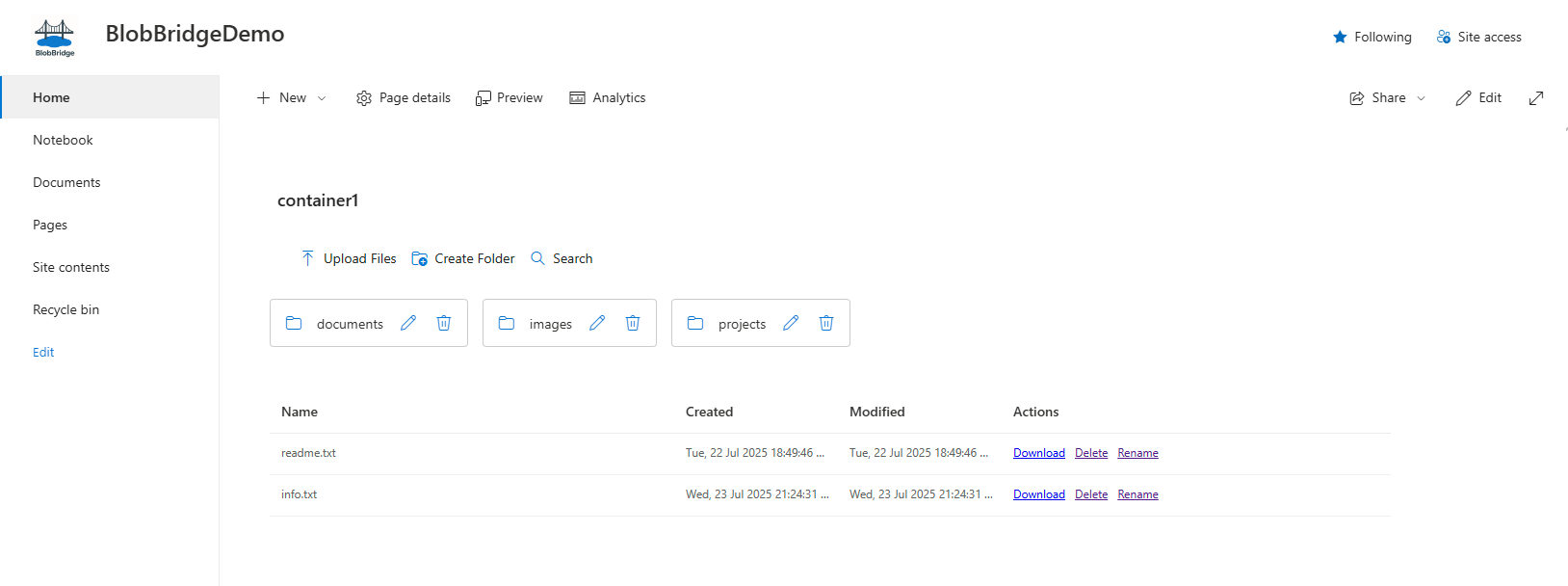
Keep terabytes in hot/cool Blob tiers while SharePoint hosts only the web‑part. Pay pennies per GB.
Tenant‑locked licence
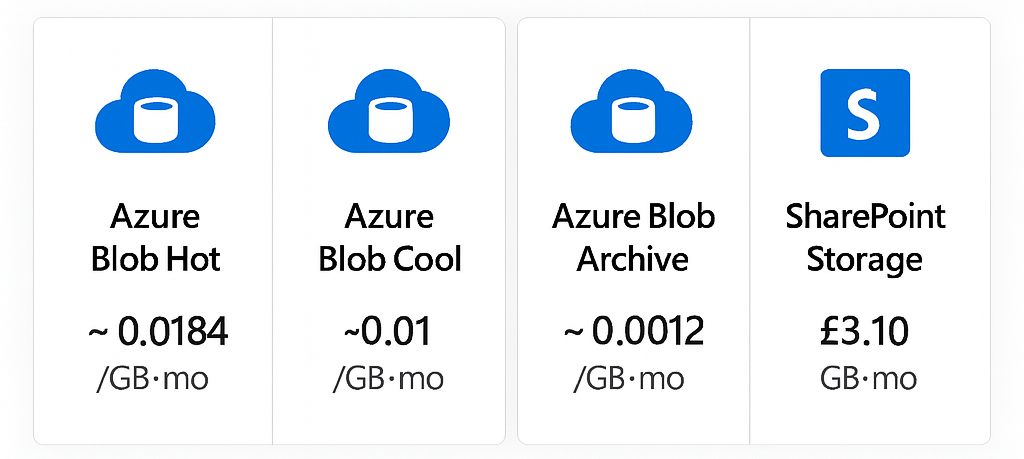
One licence unlocks every site in a single Microsoft 365 tenant. No per‑user tax, no subscription.
What you get - at a glance
| Capability | Details |
|---|---|
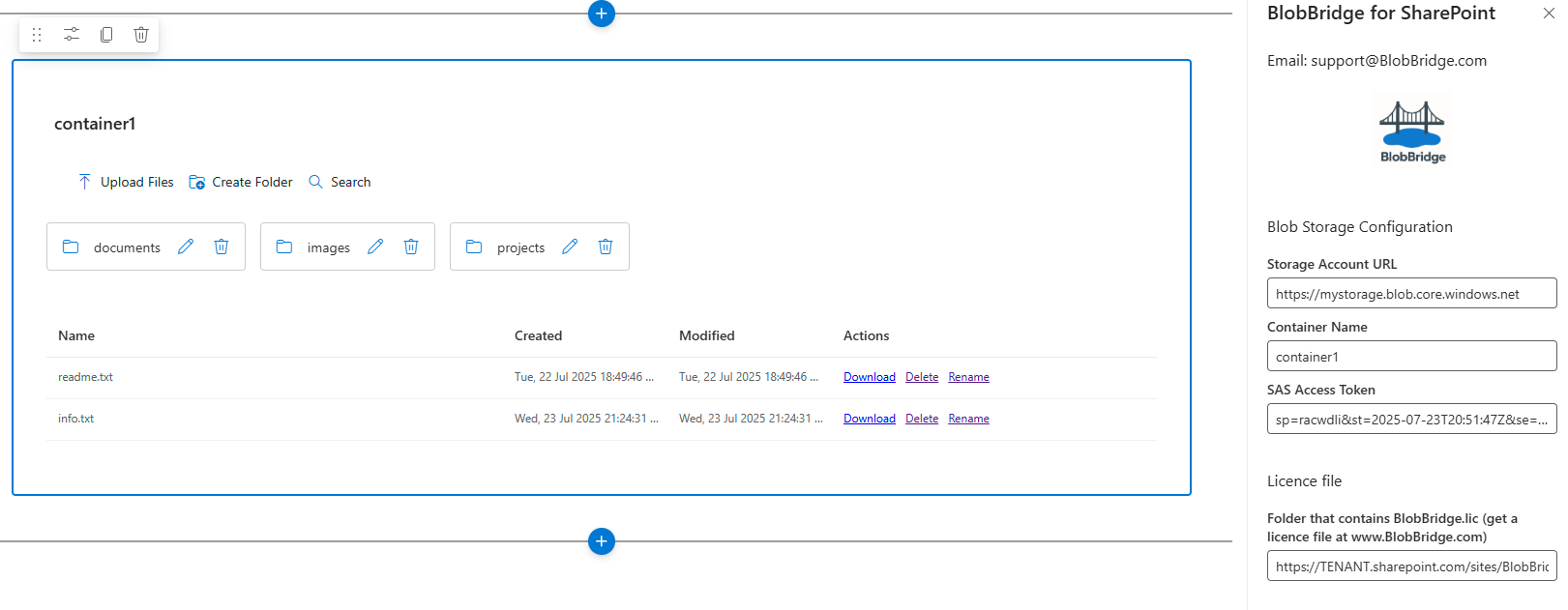
| Browse & preview | SharePoint‑native page hosting with breadcrumbs & date columns. |
| Upload & download | Drag‑and‑drop uploads to Azure Blob (Block Blob). |
| Folder operations | Create, rename and delete folders (when SAS/RBAC allows). |
| File operations | Upload, Download, Rename, Delete (permission aware). |
| Sorting & search | Client‑side sort; server‑side list + prefix filter for large containers. |
| Multiple containers | Add multiple web‑part instances per page; each can target a different container. |
| Licensing | Tenant‑locked licence file (BlobBridge.lic) — one licence covers all sites in your tenant. |
| Telemetry | No customer content stored or transmitted via BlobBridge; actions occur directly against Azure Blob. |
Try the free Trial
Spin up the trial web‑part in minutes. It lists files and folders only. Any other action (upload, rename, delete, create folder) shows a friendly dialog with a link to purchase the full version.
- Same setup steps as the full product — great to validate your SAS and CORS settings.
- No licence required for the trial. Works on any modern SharePoint page.
- No telemetry of your content. Operations beyond listing are blocked in the trial.
Quick start (1–2 mins)
- Upload BlobBridge.Trial.sppkg to your App Catalog.
- Add the BlobBridge Trial web‑part to a test page.
- Set Storage URL, Container and (optionally) a read‑only SAS.
- Publish and browse — listing works; other actions prompt to buy.
Install & configure in 5 minutes
- Upload BlobBridge.sppkg to your Tenant or Site App Catalog.
- Add the BlobBridge for SharePoint web‑part to any modern page.
- Upload the BlobBridge.lic file to a read‑only library all users can access.
- Open web‑part properties and enter Storage URL, Container, SAS Token and the licence‑file folder path.
- Publish – users browse blob data with native SharePoint UI.
Pricing
Core
£500 one-time
Unlimited sites • Unlimited users • One Microsoft 365 tenant
- ✓ Core BlobBridge web-part
- ✓ Licence bound to your tenant
- ✓ Bug-fix updates
- ✓ No support/SLA (self-serve docs only)
Secure Stripe checkout • Instant licence issuance (enter Tenant ID at checkout)
Pro
£1,500 per year
All Core features + support
- ✓ Priority email support (SLA)
- ✓ Help with SAS setup & hardening
- ✓ Guidance for multi-container pages
- ✓ Best-practice reviews (CORS, lifecycle, logging)
Enterprise
£3,500+ per year
For larger or regulated deployments
- ✓ Named support & faster response
- ✓ Security review pack & architecture consultation
- ✓ Onboarding assistance & rollout planning
- ✓ Optional short-lived SAS broker patterns
Prices charged in GBP. USD/EUR shown for guidance only. One licence per Microsoft 365 tenant. Core includes no support/SLA; see docs and security.
Data & usage considerations
- Azure egress charges apply on large downloads.
- Rotate SAS tokens per your security policy.
- BlobBridge streams files; it never stores customer data.
- Governed by Azure RBAC/SAS. Egress may apply on large downloads.
What customers say
“Went live same day. Users thought it was just SharePoint—exactly the goal.”
“Eliminated duplicate storage and shadow copies. Security signed off in one review.”
“From pilot to production in hours. Browsing large containers is snappy.”
How purchasing works
Start checkout
Click Purchase to open our secure Stripe checkout.
Enter Tenant ID
Provide your Microsoft 365 Tenant ID so we bind your licence.
Pay securely
Card payments handled by Stripe. Instant confirmation.
Get your licence
Download the BlobBridge.lic file immediately and follow the docs.
Questions about invoicing or procurement? Contact sales.
Security & governance
SAS options
- Static, narrowly‑scoped SAS — simplest. Read‑only or CRUD as needed. Short expiry & rotation recommended.
- User‑delegation SAS (brokered) — optional advanced pattern. Back‑end issues short‑lived SAS per request mapped to user identity.
Controls & compliance
- Permissions enforced by Azure (RBAC/SAS). SharePoint permissions do not gate blob access.
- Data residency — keep storage in your chosen Azure region; consider CDN and egress policies.
- Retention/DLP — Blob data sits outside SharePoint retention & DLP; use Purview/AIP for Azure Storage.
- Audit — enable Storage Analytics / diagnostic logs; optional server audit trail available via broker.